Key Takeaways
- Elementor is still the market leader with the biggest ecosystem, but its visual flexibility comes with extra DOM weight you’ll need to manage.
- Divi Builder gives you total design freedom and one of the best visual builders around, though it can output heavier markup on complex pages.
- Bricks Builder is the developer’s pick. It generates clean, semantic HTML instead of div-soup, which makes it the fastest serious option here.
- Beaver Builder is the boring, reliable choice. Agencies love it because it just works across hundreds of client sites without drama.
- SeedProd isn’t a full site builder. It’s a conversion-focused, block-based tool built for landing pages and coming-soon pages.
- Breakdance (bonus pick) is the lightweight challenger that delivers Bricks-level speed with an editing experience closer to Elementor.
Most best WordPress page builder lists read like they were written in 2025 and never touched again. Same five tools, same recycled screenshots, zero mention of DOM weight or Core Web Vitals. That’s not helpful. That’s filler.
This guide is different. I’ve actually built sites with every plugin on this list, watched their PageSpeed scores, and dug into how each one generates code under the hood. If you’re picking a WP page builder plugin in 2026, the decision isn’t just “which one looks nice in the demo.” It’s which one keeps your site fast once real content, real plugins, and real traffic show up.
Let’s get into it.
Why Your Page Builder Choice Is a Core Web Vitals Decision
Before we compare tools, you need to understand why this even matters.
What “DOM depth” actually means
Think of your webpage like a set of nested boxes. A box inside a box inside another box. Every wrapper, every container, every “section inside a section” your builder adds is one more box the browser has to unpack before it can show your visitor anything.
Old-school builders historically loved stacking extra wrapper divs around every element, just to make their drag-and-drop system easier to build. Developers call this “div-soup.” It’s not wrong, exactly. It’s just unnecessary weight. More boxes mean more work for the browser, which means slower rendering.
How bloated CSS and JS hurt your scores
Page builders don’t just add HTML. They load their own CSS files, their own JavaScript libraries, and sometimes both even on pages that don’t use half those features. That extra baggage directly hits two metrics Google cares about: Largest Contentful Paint (how fast your main content shows up) and Interaction to Next Paint (how fast your site responds when someone clicks something).
What “clean code output” really means for non-developers
You don’t need to read code to understand this. A clean-output builder writes HTML the way a human developer would, with as few unnecessary wrappers as possible. A bloated builder writes HTML the way a robot with no budget would, wrapping everything in extra layers just in case. The first one loads faster. Every time.
Elementor: The Market Leader With the Ecosystem Advantage
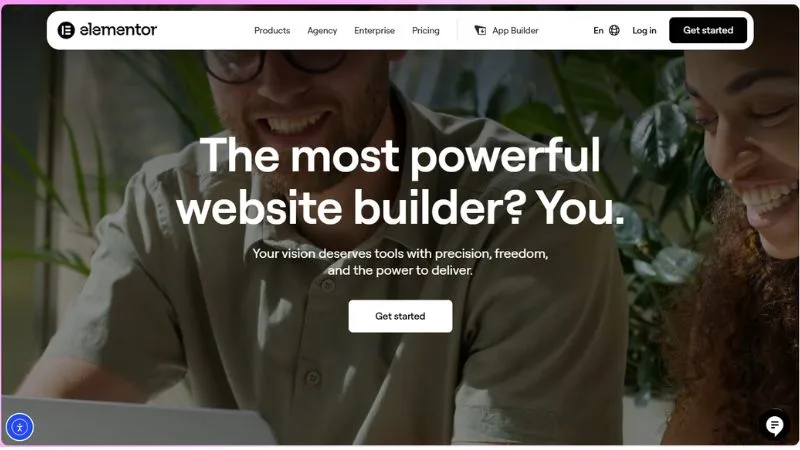
Elementor powers a massive share of WordPress sites, and there’s a reason for that. It’s the most beginner-friendly visual builder on the market, with a huge library of widgets, a built-in WordPress theme builder, and thousands of third-party add-ons.
Best for: Beginners, agencies needing flexibility, and anyone who wants a massive plugin ecosystem to lean on.
Killer feature: The Theme Builder lets you design headers, footers, archive pages, and single post templates visually, all connected to your real WordPress content through dynamic tags. Dynamic tags are basically smart placeholders. Instead of typing a price by hand, you tell the builder “pull the price from this product,” and it updates automatically everywhere that tag is used.
Performance reality: Elementor’s newer version has trimmed a lot of fat with its updated rendering engine, but it still ships more CSS and JS than leaner alternatives by default. You can offset this with caching and by limiting how many widgets you load per page.
Pricing: Essential starts at $5/mo ($60/year, 1 site). Advanced Solo runs $7/mo ($84/year, 1 site). If you want the bundled AI and optimization tools, the One plan is $15/mo for a single site, and One Agency jumps to $36/mo for unlimited sites.
Pros
- Huge widget and template library
- Beginner-friendly drag and drop editor
- Strong theme builder and dynamic content support
- Massive community and documentation
Cons
- Heavier CSS and JS footprint out of the box
- Can encourage “add another widget” bloat
- Pro tier needed for most real features
Divi Builder: The Visual Powerhouse
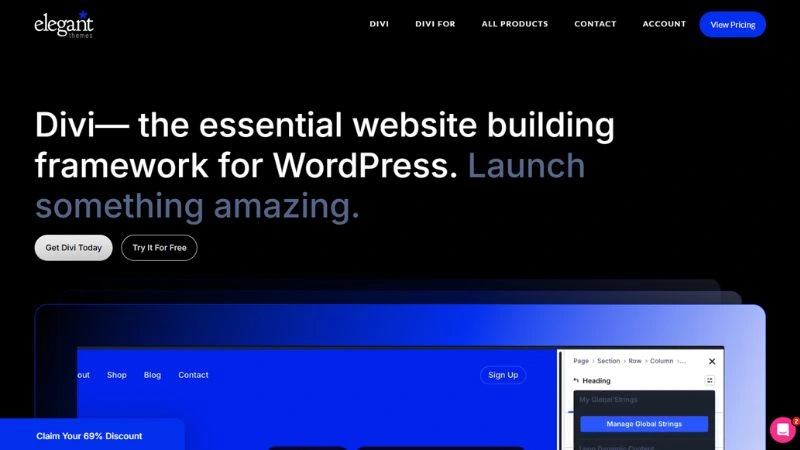
Divi has been around since before “page builder” was even a common phrase, and it still holds its own because of one thing: design control. If you want pixel-level styling without touching code, Divi gives you that.
Best for: Designers and creatives who want maximum visual control without writing CSS.
Killer feature: Divi’s visual editing happens in real time, directly on the page, with style controls for nearly every property you can imagine. Want to adjust a hover animation, a border radius, and a shadow all from one panel? Divi lets you do it without leaving the page.
Performance reality: Divi has improved its code output significantly in recent versions, but complex layouts with lots of nested sections can still get heavy. The visual freedom is the trade-off.
Pricing: The standard Divi plan (theme plus builder, unlimited site usage) runs $7.42/mo billed annually, which works out to $89/year. Divi Pro, which adds AI tools, cloud storage, and VIP support, is $23.08/mo ($277/year). Prefer a one-time payment? Divi Lifetime is $249, and Divi Lifetime + Pro is $297, both paid once.
Pros
- Best-in-class visual styling controls
- Real-time editing feels intuitive
- Strong template library
- Lifetime pricing option available
Cons
- Can get markup-heavy on complex pages
- Learning curve for organizing larger sites
- Some users find the interface busy at first
Bricks Builder: The Developer’s Darling
This is where the conversation shifts. Bricks Builder was built from the ground up by developers who got tired of bloated output. It doesn’t try to be everything. It tries to be fast and clean.
Best for: Developers, freelancers, and anyone who actually cares about what’s happening under the hood.
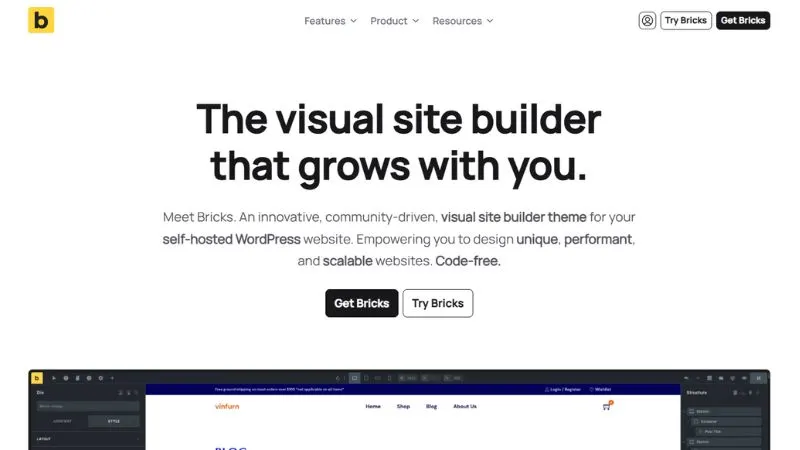
Killer feature: Bricks outputs semantic HTML instead of div-soup. That means instead of fifteen nested divs around a heading, you get an actual structured tag that matches what a hand-coded site would look like. Less markup, less weight, faster paint times.
Performance reality: This is consistently one of the fastest builders in real-world testing, mostly because it doesn’t load extra bloat you don’t need. If speed is your top priority, this is the benchmark the others get measured against.
Pricing: Starter is $79/year for 1 site, Business is $149/year for 3 sites, and Agency is $249/year for unlimited sites. There’s also a one-time Ultimate lifetime license at $599 covering unlimited sites with all future updates included.
Pros
- Clean, semantic, lightweight code output
- Genuinely fast load times
- Full control over dynamic data and query loops
- Built-in theme builder included at no extra tier
Cons
- Steeper learning curve for non-developers
- Smaller template marketplace than Elementor or Divi
- Less beginner hand-holding overall
Beaver Builder: The Stability Choice for Agencies
If you manage client sites, you already know that “exciting” isn’t always a compliment. Beaver Builder built its reputation on being boringly reliable, and agencies love it for exactly that reason.
Best for: Agencies and freelancers managing dozens of client sites who need consistency over flash.
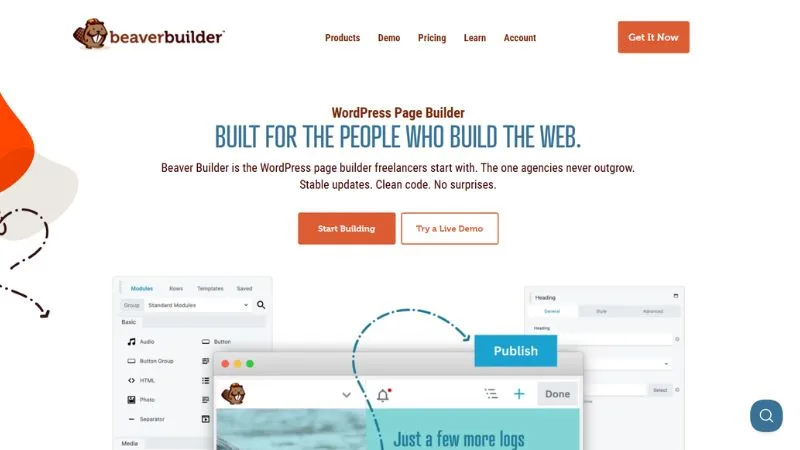
Killer feature: Beaver Builder uses native Gutenberg integration alongside its own builder, meaning it plays nicer with the WordPress core editor than most competitors. That matters when clients eventually want to make small edits themselves without breaking the layout.
Performance reality: It’s not the lightest option on this list, but it’s predictable. You won’t get surprise compatibility issues after a WordPress core update, which is worth more than people admit when you’re managing fifty sites instead of one.
Pricing: Starter is $89/year for 1 site, Plus is $179/year for 3 sites, Professional is $299/year for 50 sites (the best value tier for most agencies), and Unlimited runs $546/year.
Pros
- Rock-solid stability across updates
- Clean integration with standard WordPress workflows
- Lighter than Elementor or Divi in most builds
- Great for client-facing simplicity
Cons
- Fewer flashy design widgets
- Template library feels dated compared to newer tools
- Less suited for highly custom, design-heavy sites
SeedProd: The High-Conversion Landing Page Specialist
SeedProd isn’t trying to compete as a full site builder, and that’s the point. It’s a block-based tool laser-focused on landing pages, coming-soon pages, and conversion-driven layouts.
Best for: Marketers and founders who need fast, high-converting landing pages without building an entire site architecture.
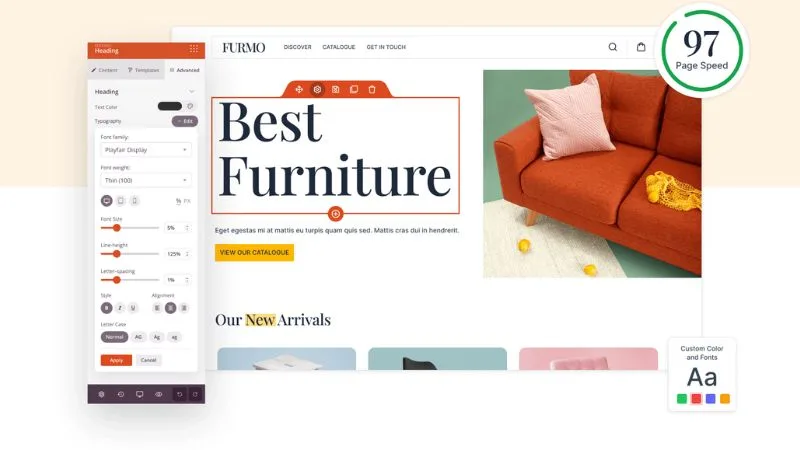
Killer feature: Pre-built, conversion-optimized blocks for things like countdown timers, lead capture forms, and maintenance mode pages, all assembled through a simple drag and drop editor that loads fast because it’s not trying to be a full theme builder.
Performance reality: Because it’s scoped narrower than the other tools here, SeedProd tends to load lighter assets. It’s not built for complex multi-page sites, but for what it does, it’s efficient.
Pricing: Basic is $39.50/year for 1 site, Plus is $99.50/year for 3 sites, Pro is $159.60/year for 5 sites (their most popular tier), and Elite covers 100 sites at $239.40/year. All of these are discounted introductory rates, so check the renewal price before you commit.
Pros
- Extremely fast to launch a landing page
- Conversion-focused blocks built in
- Lightweight compared to full site builders
- Simple enough for non-technical marketers
Cons
- Not meant for full site builds
- Fewer design customization options than Divi or Bricks
- Best features locked behind paid tiers
Bonus Pick: Breakdance, the Lightweight Elementor Killer
Breakdance is the newer name on this list, and it earned its spot by doing something smart: combining Elementor’s intuitive editing feel with Bricks-level performance.
Best for: Users who want Elementor’s ease of use but refuse to compromise on speed.
Killer feature: Breakdance is built with performance as a core requirement, not an afterthought. It ships minimal CSS by default and only loads what a page actually uses, which is exactly how a builder should behave but rarely does.
Performance reality: In side-by-side speed tests, Breakdance consistently lands near Bricks in load times while feeling noticeably more approachable for non-developers. That combination is rare.
Pricing: There’s a genuinely usable free plan for unlimited sites with basic features. Pro for 1 site runs $99.99/year, and Pro for unlimited sites is $199.99/year. Breakdance also locks in your renewal price for life once you sign up, which is a rare and welcome move in this space.
Pros
- Fast out of the box without heavy optimization work
- Intuitive editing experience
- Clean asset loading by default
- Strong theme builder included
Cons
- Newer ecosystem with fewer third-party extensions
- Smaller community than Elementor or Divi
- Template library still growing

WP Page Builder Plugin Pricing
| Builder | Entry Price | Top Annual Tier | Lifetime Option |
|---|---|---|---|
| Elementor | $5/mo (1 site) | $36/mo, unlimited sites | None |
| Divi | $7.42/mo, unlimited usage | $23.08/mo (Pro, adds AI/VIP) | $249–$297 one-time |
| Bricks | $79/year (1 site) | $249/year, unlimited sites | $599 one-time |
| Beaver Builder | $89/year (1 site) | $546/year, unlimited sites | None |
| SeedProd | $39.50/year (1 site) | $239.40/year, 100 sites | None |
| Breakdance | Free (unlimited sites, basic) | $199.99/year, unlimited sites | None, but price locks for life |
Always double-check the renewal rate before you buy, since several of these run limited-time introductory discounts.
Common Mistakes People Make Choosing a Page Builder
Picking based on templates instead of code output. A pretty demo site tells you nothing about what happens when you add fifty more sections.
Ignoring DOM depth until Core Web Vitals tank. By the time you notice your PageSpeed score dropping, you’ve usually got months of layout decisions to undo.
Running two builders on one site. I’ve seen sites with Elementor for pages and a different builder for the theme. That’s double the CSS, double the JS, and double the headache.
Frequently Asked Questions
Which page builder is fastest for Core Web Vitals?
Bricks Builder consistently performs best in raw speed tests because of its clean HTML output. Breakdance is close behind and easier to learn.
Is Elementor still worth it in 2026?
Yes, especially if you want the biggest ecosystem and don’t want to fight a learning curve. Just don’t stack on dozens of extra plugins that duplicate what Elementor already does.
Can I switch page builders without rebuilding my site?
Technically yes, but practically it’s painful. Builders store content in their own format, so switching usually means rebuilding pages from scratch. Choose carefully the first time.
Is Bricks Builder good for beginners?
Not really. It rewards people comfortable with structure and logic. If you’ve never built a site before, start with Elementor or Beaver Builder first.
Do page builders hurt SEO?
Not directly, but bloated code slows down your site, and site speed is a ranking factor. The builder itself doesn’t hurt your SEO. Bad implementation does.
Final Takeaway
If you want the safest all-around pick with the biggest support network, go with Elementor. If speed is non-negotiable and you don’t mind a learning curve, Bricks Builder is the smartest long-term investment. Want that same speed with an easier on-ramp? Breakdance is your best middle ground. Need a landing page live today, not next week? SeedProd gets it done. And if you’re running client sites where stability beats novelty, Beaver Builder has earned its reputation for a reason.
Pick based on what you’re actually building, not what looks impressive in a demo.