Key Takeaways
- Wordfence Free is the best starting point for most bloggers and small sites.
- Sucuri is the top pick if your site earns money and you need guaranteed malware removal.
- MalCare is the easiest option for beginners who want one-click malware cleanup.
- AIOS is the most budget-friendly premium option for multi-site owners.
- Never install two security plugins at once. They conflict with each other and can break your site.
- A security plugin is not a backup. Always run a separate backup plugin alongside it.
Your WordPress site is getting attacked right now. Not maybe. Right now.
Bots scan WordPress sites every few minutes looking for weak passwords, outdated plugins, and unpatched vulnerabilities. According to Sucuri’s research, WordPress is the most hacked CMS on the planet, making up the majority of infected websites they clean every year.
The good news? A solid security plugin stops most of these attacks before they touch a single file.
This guide breaks down the best WordPress security plugins in 2026, explains every technical term in plain English, and tells you exactly which one to install based on your situation.
Why Your WordPress Site Needs a Security Plugin
WordPress powers over 43% of the entire internet. That scale makes it a massive target.
Hackers do not pick targets manually. They run automated bots that scan thousands of sites per hour, testing for known plugin vulnerabilities, weak login credentials, and outdated WordPress versions. Your site shows up in those scans whether you have 10 visitors a day or 10,000.
What Actually Happens When a Site Gets Hacked
Most people picture a dramatic defacement. The reality is quieter and worse.
Hackers inject hidden spam links into your pages to boost their own SEO. They use your server to send phishing emails. They plant backdoors so they can come back even after you think the site is clean. Google eventually detects this, blacklists your domain, and your organic traffic drops to zero overnight.
Recovering from a hack takes hours. Sometimes days. It costs real money, kills your rankings, and destroys visitor trust.
A security plugin costs less than a cup of coffee per month. The math is not complicated.
Is WordPress Itself Not Secure?
The WordPress core is actually well-maintained. The WordPress security team patches vulnerabilities quickly.
The problem is everything around it. Plugins, themes, and weak user passwords are responsible for the vast majority of WordPress hacks. A security plugin monitors all of that and blocks attacks at the gate.
What Features Actually Matter in a WordPress Security Plugin
Before comparing plugins, you need to understand what you are actually looking for. Here is every important feature explained simply.
Web Application Firewall (WAF)
Think of a WAF as a bouncer at the door of your website. Every visitor who arrives gets checked before they are allowed in. The firewall looks at incoming traffic and blocks anything that looks malicious, like SQL injection attempts, cross-site scripting, and known hacker IP addresses.
Some firewalls run on your server (server-side). Others run in the cloud before traffic even reaches your host. Cloud-based WAFs like Sucuri’s are generally faster and do not slow down your site.
Malware Scanning
A malware scanner checks your WordPress files against a database of known malicious code. If something suspicious shows up in your theme files, plugin folders, or database, it flags it immediately.
The key detail to watch: some plugins scan on your server (uses your hosting resources), others scan from their own cloud servers (does not affect your site speed). MalCare uses cloud-based scanning, which is a clear advantage on budget hosting plans.
Brute Force Attack Protection
A brute force attack is when bots try thousands of username and password combinations until they find one that works. Think of it like someone trying every key on a giant keychain until one opens your door.
Brute force protection limits how many login attempts someone can make. After three to five failed attempts, the IP gets locked out automatically. Simple but incredibly effective.
Two-Factor Authentication (2FA)
After entering your password, 2FA asks for a second verification, usually a six-digit code from an app like Google Authenticator. Even if someone steals your password, they cannot log in without your phone.
This is the single most impactful login security feature you can enable. Every serious security plugin includes it.
File Integrity Monitoring
Your WordPress core files should never change unless you are updating WordPress itself. File integrity monitoring keeps a record of what every file looks like and alerts you the moment something changes. If a hacker modifies a PHP file to inject malicious code, you get notified immediately.
Activity Log
An activity log is exactly what it sounds like. It records who logged in, what they changed, when they did it, and from which IP address. If something breaks or gets compromised, you have a clear trail to follow.

Best WordPress Security Plugins in 2026
1. Wordfence Security
Best for: Self-managed blogs, business sites, and anyone who wants the most comprehensive free security plugin available
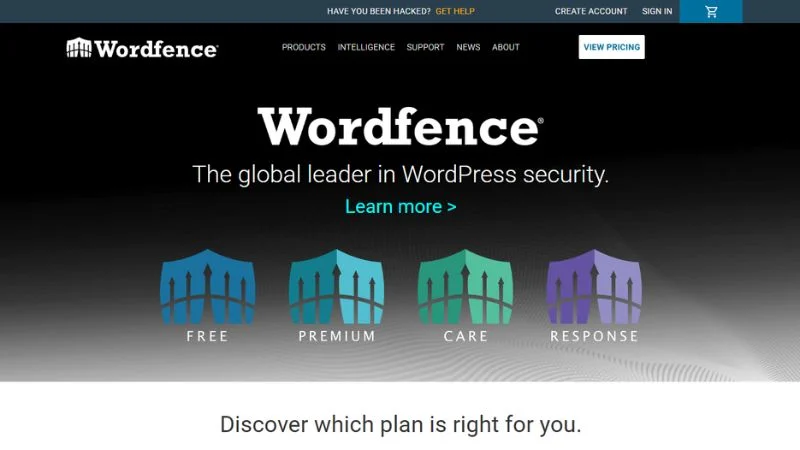
Wordfence is the most installed dedicated WordPress security plugin in the world, with over 5 million active sites using it. That install base is not just a marketing number. It means Wordfence collects more attack data than any other plugin, which makes its threat intelligence genuinely sharper.
Key features:
- Web application firewall with brute force protection
- Malware scanner that checks core files, themes, and plugins
- Real-time traffic monitoring showing every visit and attack attempt
- Login security with 2FA and reCAPTCHA
- Plugin and theme vulnerability monitoring (available free)
- File change detection
The free vs. premium difference you need to understand:
The free version works, but there is one catch that matters. Firewall rules and malware signatures are delayed by 30 days on the free plan. That means if a new vulnerability is discovered today, Wordfence Free will not have protection for it until a month later. Premium users get real-time updates the moment a new threat is identified.
Pricing (verified 2026):
- Free: $0
- Premium: $149/year per site
- Care: $590/year (Wordfence installs, configures, and monitors it for you)
- Response: $1,250/year (24/7/365 support with 1-hour response time for mission-critical sites)
One honest downside: Wordfence runs the scanner on your server. On cheap shared hosting with limited RAM, a full scan can temporarily slow your site down. Schedule scans for off-peak hours.
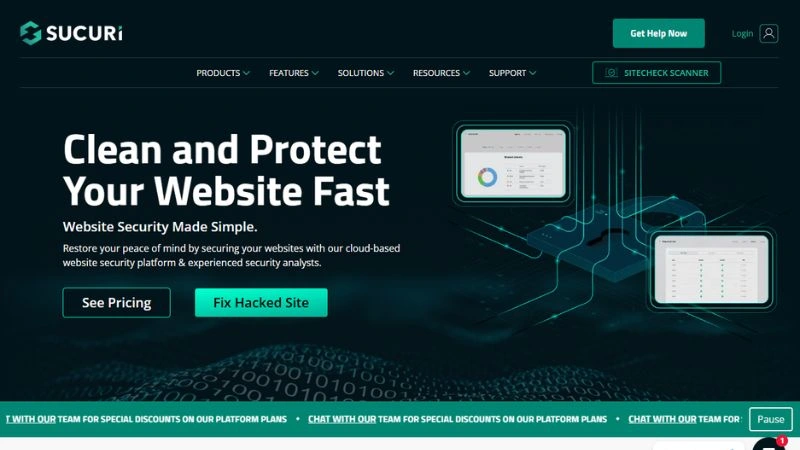
2. Sucuri Security
Best for: WooCommerce stores, business sites, and anyone who needs a cloud-based firewall and guaranteed malware removal
Sucuri is the premium choice when the stakes are high. Their firewall is cloud-based, meaning all traffic passes through Sucuri’s network before it ever reaches your hosting server. This blocks attacks upstream, speeds up your site via their CDN, and takes load off your host.
The biggest differentiator is their malware removal guarantee. If your site gets hacked while you are on a paid plan, their team cleans it. No extra charge. That kind of assurance is hard to put a price on when your livelihood depends on your site staying online.
Key features:
- Cloud-based WAF and CDN (faster site, fewer resources used on your host)
- Continuous malware monitoring and scanning
- Blacklist monitoring across Google, McAfee, Norton, and others
- Guaranteed malware removal by their security team
- DDoS mitigation
- Post-hack security actions
Pricing (verified from Sucuri’s official pricing page, 2026):
- Basic Platform: $229/year
- Pro Platform: $339/year
- Business Platform: $499/year
- Junior Dev and Custom Plans: available for agencies
The free WordPress plugin from Sucuri (available on WordPress.org) gives you monitoring and hardening features but does NOT include the WAF. The WAF is a paid platform feature.
One honest downside: The cost is high compared to alternatives. For a small blog earning nothing, the price is hard to justify. But for a site doing real revenue, it is absolutely worth it.
3. Kadence Security (formerly iThemes Security, then Solid Security)
Best for: Sites already in the Kadence ecosystem, and anyone who needs strong login hardening and 2FA without full malware scanning
Let’s address the rebrand history directly because it matters if you are searching for this plugin.
This is the same plugin that launched as “Better WP Security,” then became iThemes Security, then Solid Security in 2022, and is now Kadence Security in 2026 after Liquid Web merged the entire SolidWP brand under Kadence. Three names in five years. The good news: the core technology is the same and the developers are the same team.
The important change is this. You can no longer buy Kadence Security as a standalone paid plugin. The free version (Kadence Security Basic) is still available on WordPress.org with 700,000+ active installs. For the Pro features, you need a Kadence bundle plan.
Key features (free version):
- Brute force network protection powered by data across nearly 1 million sites
- Two-factor authentication for all user roles
- File change detection with alerts
- Security dashboard showing lockouts and threat activity
- Vulnerable plugin and theme detection
- Database backups on a customisable schedule
Additional Pro features (requires paid Kadence plan):
- Patchstack virtual patching (protects your site from vulnerabilities before a patch is even released by the developer)
- reCAPTCHA for login forms
- Passwordless logins
- Trusted devices management
Pricing (verified 2026 from Liquid Web official pricing page):
- Kadence Security Basic: Free (WordPress.org)
- Kadence Essentials: $99/year (theme + blocks only, does NOT include Security Pro)
- Kadence Pro: $299/year (includes Security, Backups, Shop Kit, and Memberships)
- Kadence Elite: $499/year (everything in Pro plus Kadence Central for agency-level multi-site management)
One honest downside: Great for login security, but it lacks a true firewall and deep malware scanning. For full website protection, Wordfence offers better value at a lower price.
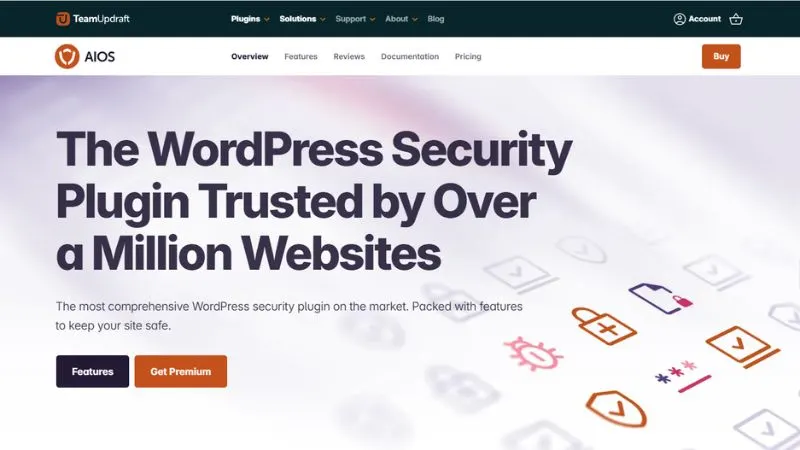
4. All-In-One Security (AIOS)
Best for: Budget-conscious site owners, especially those managing multiple WordPress sites
AIOS is one of the few security plugins that genuinely earns its name. The free version covers a surprisingly wide range of security features including login lockdown, basic firewall rules, database security, file system protection, and spam prevention.
The premium version adds malware scanning, country blocking, and enhanced 2FA. What makes AIOS particularly attractive for multi-site owners is the pricing structure: you get up to 35 sites on the Agency plan.
Key features (premium):
- Brute force attack prevention and login lockdown
- Two-factor authentication with emergency backup codes
- Weekly malware scanning with Google blacklist alerts
- Country blocking with 99.5% accuracy
- 404 error-based bot detection and blocking
- Database and file system protection
- Spam protection
Pricing (verified 2026, USD, India pricing):
- Personal (up to 2 sites): $44.50 first year, renews at $89/year
- Business (up to 10 sites): $74.50 first year, renews at $149/year
- Agency (up to 35 sites): $124.50 first year, renews at $249/year
- Enterprise (unlimited sites): $174.50 first year, renews at $349/year
- 10-day money-back guarantee on all plans
One honest downside: The interface can feel overwhelming for complete beginners. There are a lot of settings with no clear priority order. Spend 20 minutes on their documentation before diving in.
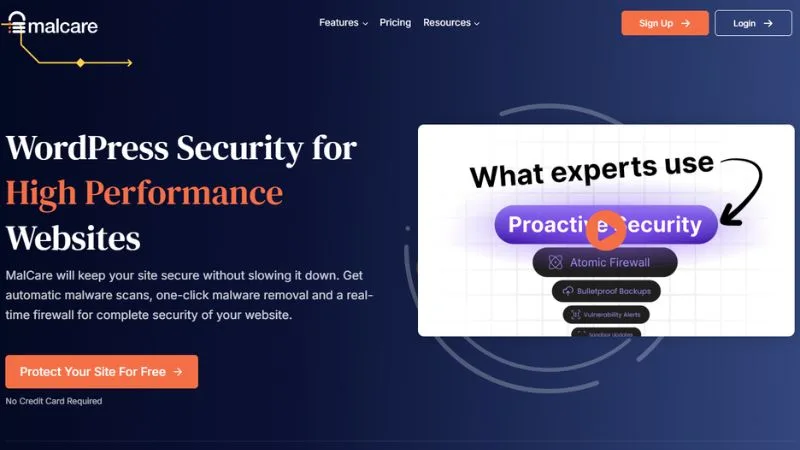
5. MalCare Security
Best for: Beginners who want the simplest possible malware detection and one-click cleanup
MalCare’s entire selling point is simplicity. You install it, connect it to their dashboard, and it handles everything else. The scanning happens on MalCare’s own servers, so your site never slows down. And when malware is found, you clean it in one click without needing to understand a single line of code.
For non-technical site owners, this is genuinely the easiest security plugin to use.
Key features:
- Cloud-based malware scanning (zero load on your server)
- One-click malware removal on paid plans
- Login protection with bot blocking
- Firewall with IP blocking
- Site management from a single MalCare dashboard
- Vulnerability detection for plugins and themes
Pricing (verified 2026, India INR pricing):
- Free: available with basic scanning
- Protect: ₹1,980/month (billed annually)
- Repair: ₹2,980/month (billed annually, includes malware removal)
- Fortify: ₹9,980/month (billed annually, includes advanced protection)
- 100% money-back guarantee, 24/7 MalCare expert support
One honest downside: The free plan shows you if malware exists but makes you pay to remove it. That can feel frustrating. If you want one-click removal, you need the Repair plan or above.
Quick Comparison Table
| Plugin | Free Plan | Cloud WAF | Malware Scanner | Brute Force | Best For |
|---|---|---|---|---|---|
| Wordfence | Yes (30-day delay) | No (server-side) | Yes | Yes | Most sites |
| Sucuri | Monitoring only | Yes | Yes | Yes | Revenue-generating sites |
| Kadence Security | Yes (login hardening) | No | No (Basic) | Yes | Kadence users, login security |
| AIOS | Yes | Basic | Premium only | Yes | Multi-site owners |
| MalCare | Detect only | Yes | Yes | Yes | Non-technical users |
How to Choose the Right Plugin for Your Situation
You’re a beginner blogger on shared hosting: Start with Wordfence Free. Enable 2FA immediately. Schedule scans for 3 AM. That setup alone protects you against the vast majority of attacks.
You run a WooCommerce or business site: Sucuri is worth the investment. The cloud WAF protects performance, and the malware removal guarantee protects your revenue. Pair it with a solid backup plugin.
You manage multiple client sites: AIOS Agency plan gives you 35 sites at $249/year on renewal. Extremely cost-effective. MalCare’s dashboard is also excellent for managing multiple sites from one place.
You’ve already been hacked: Do not install a new plugin and hope for the best. Use Sucuri’s paid cleanup service or hire a WordPress security specialist first. Once clean, then set up proper protection going forward.
Mistakes to Avoid With WordPress Security Plugins
Installing two security plugins at once. They conflict. Two firewalls do not make you twice as safe. They make your site unreliable and slow.
Ignoring the settings after installation. Most plugins need configuration. Installing Wordfence and never turning on 2FA is like buying a lock and leaving the door open.
Thinking a security plugin replaces backups. It does not. If a hack slips through and corrupts your files, you need a clean backup to restore from. Use UpdraftPlus or Solid Backups separately.
Using “admin” as your username. This is the first thing brute force bots try. Change it now.
Not updating your plugins and themes. A security plugin cannot protect a vulnerability that exists in outdated code. Updates are your first line of defense.
Frequently Asked Questions
Do I really need a security plugin if my host already provides security?
Yes. Hosting-level security protects the server. A WordPress security plugin protects your specific installation, including your login page, your plugin files, your database, and your user accounts. They work at different layers.
Will a security plugin slow down my website?
Server-side scanners like Wordfence can use resources during a scan. Schedule scans during off-peak hours to minimize impact. Cloud-based options like Sucuri and MalCare do not slow your site at all because scanning happens off your server.
Is Wordfence Free good enough?
For most personal blogs and small sites, yes. The 30-day firewall rule delay is the main limitation. If your site generates income or handles customer data, upgrade to Premium or switch to Sucuri.
Can I use MalCare and Wordfence together?
No. Pick one. Running two security plugins simultaneously causes conflicts that can break your site and create more problems than they solve.
What is the difference between Sucuri Free and Sucuri paid?
The free Sucuri plugin handles activity logging, file integrity monitoring, and security hardening. The paid platform adds the cloud WAF, CDN, and malware removal guarantee. The WAF is the main reason people pay for Sucuri.
How often should I scan my WordPress site for malware?
At least once a week. Daily is better if your site gets significant traffic or runs WooCommerce. Most plugins let you schedule automatic scans so you do not have to think about it.
What should I do immediately after installing a security plugin?
Enable two-factor authentication first. Then change your login URL from the default /wp-admin if your plugin supports it. Then run your first full malware scan. Those three steps cover most of your risk immediately.
Final Takeaway
Here is the short version.
Install Wordfence Free today if you have not set up any security yet. Enable 2FA. Schedule weekly scans. That handles 80% of what attacks WordPress sites.
If your site makes money, upgrade to Wordfence Premium at $149/year or switch to Sucuri for the cloud firewall and cleanup guarantee.
Managing multiple sites on a budget? AIOS is the smartest value play.
Want the simplest possible experience? MalCare does the heavy lifting for you.
Pick one. Configure it properly. Pair it with a backup plugin. That is it. You do not need anything more complicated than that.