Key Takeaways
- WordPress.org is the best blogging platform for most people in 2026, especially if you want to make money, grow organic traffic, and build a long-term brand.
- Ghost is the best alternative for writers focused on newsletters and memberships. It takes 0% of your revenue, which becomes a huge advantage as your income grows.
- Substack and Medium are better used as distribution channels, not your main blog home. Pair them with your own WordPress site.
- Wix (from $17/month) and Squarespace (from $16/month) are great for beginners who value ease of use and design more than advanced SEO control.
- Blogger and the free version of WordPress.com are fine for getting started, but it’s smart to plan your migration before you outgrow them.
- Build an email list from day one. Platforms come and go. Your audience and subscribers are what you truly own.
Choosing the best blogging platform isn’t something you want to regret six months from now.
At first, most platforms look similar. You publish posts, get some traffic, and everything seems fine. Then you run into limitations. Maybe you can’t run ads, customize your site the way you want, or move without headaches.
I’ve seen bloggers switch platforms after years of work. Some recover smoothly. Others wish they’d chosen differently from the beginning.
That’s why I spent time testing and using many of the options in this guide. If you’re trying to find the best blogging platform in 2026, I’ll walk you through the pros, the drawbacks, and which platform makes the most sense for your goals.
What Actually Makes a Blogging Platform Worth Using?
People obsess over features. But the real questions are simpler:
- Easy to use: Can a first-time blogger figure it out without calling their tech-savvy cousin?
- SEO capability: Can your posts actually rank on Google?
- Monetization freedom: Can you run ads, use affiliate links, and sell products without restrictions?
- Content ownership: Do YOU own everything, or does the platform?
- Scalability: Will it hold up at 100,000 readers per month?
- Real cost: What does it actually cost once you need the features that matter?
Keep these six things in mind as we go through the list.
Quick Comparison: Best Blogging Platforms at a Glance
| Platform | Best For | Free Plan | SEO Control | Starting Cost |
|---|---|---|---|---|
| WordPress.org | Everything | No (need hosting) | Full | $3-5/mo (hosting) |
| Ghost | Writers + newsletters | No (14-day trial) | Full | $18/mo |
| Substack | Newsletter + blog combo | Yes | Limited | Free (10% rev share) |
| Medium | Reaching built-in readers | Yes | Limited | Free |
| Wix | Beginners, visual control | Yes | Good | $17/mo |
| WordPress.com | Managed WordPress | Yes | Good | $4/mo |
| Blogger | Truly free, no cost ever | Yes | Basic | Free |
| Squarespace | Portfolio + blog | No (14-day trial) | Good | $16/mo |
| Hostinger | Budget all-in-one | No | Good | $2.99/mo |
| Weebly | Simple small biz blogs | Yes | Basic | $10/mo |
| HubSpot CMS | B2B marketing blogs | Yes | Excellent | Free |
The 11 Best Blogging Platforms in 2026, Reviewed
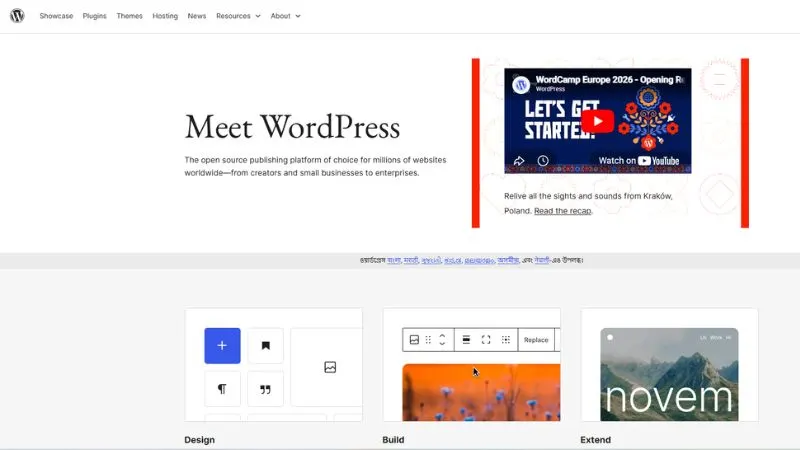
1. WordPress.org: Best Blogging Platform Overall
If you’re serious about blogging, WordPress.org is the answer. Full stop.
For most people, WordPress.org is the best blogging platform in 2026.
It powers over 45% of the entire web. That’s not because it’s the easiest option. It’s because it’s the most flexible, SEO-friendly, and scalable platform available today. And that dominance hasn’t changed in 2026.
With WordPress.org (the self-hosted version), you get:
- Complete ownership of your content and data
- 62,000+ plugins covering every function you’ll ever need
- Full monetization freedom: AdSense, affiliates, sponsored posts, digital products, memberships
- Themes for every niche, from personal blogs to full editorial sites
The catch? You need hosting separately. But with Hostinger or SiteGround starting at $3-5 per month, the entry cost is genuinely low. You’re not paying $17-30/month just to have basic features unlocked as you would on Wix.
Who should use it: Anyone who wants to blog professionally, earn money, or build a real long-term brand. This is the best blogging platform for beginners who plan to grow, and the right choice for pros who need full control.
Who should skip it: If you want to write casually with zero setup involved, the learning curve might feel steep in week one. But most people figure it out faster than expected.
Best SEO plugins for WordPress: Rank Math, Yoast SEO, All in One SEO
2. Ghost: Best for Writers and Newsletter Creators
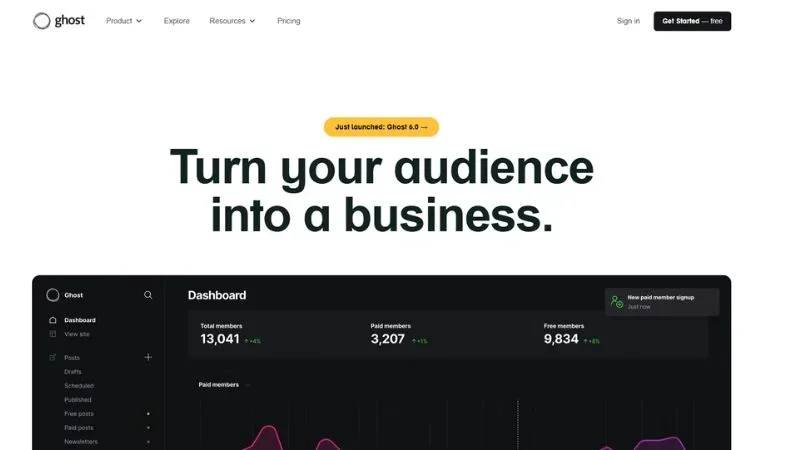
Ghost is what you’d get if someone rebuilt a blogging platform specifically for writers and stripped out everything else.
Clean editor. Fast by default. And if you’re building a content-first blog with a newsletter, it’s genuinely excellent.
The built-in newsletter feature is the real differentiator. You write a post, hit publish, and it goes to your blog and your subscriber inbox at the same time. No Mailchimp. No ConvertKit. No extra monthly tool to manage.
Ghost also takes 0% of your membership revenue. Compare that to Substack’s 10% cut. For creators earning $2,000-5,000 per month from subscriptions, that gap becomes serious money over a year.
What Ghost does well:
- Lightning-fast load times with no plugin bloat
- Built-in memberships and paid subscriptions via Stripe
- Clean, distraction-free writing editor
- Strong SEO built into the core, no plugins needed
Where it falls short:
- Ghost Pro now starts at $18/month (billed annually), not $9 as in earlier years
- The plugin ecosystem is tiny compared to WordPress
- Deep customization requires developer help beyond the default themes
Who should use it: Journalists, independent writers, newsletter operators, and content creators who want to monetize their audience directly through memberships. Ghost becomes significantly cheaper than Substack once you’re earning $700+ per month from subscribers.
3. Substack: Best Free Platform for Writers
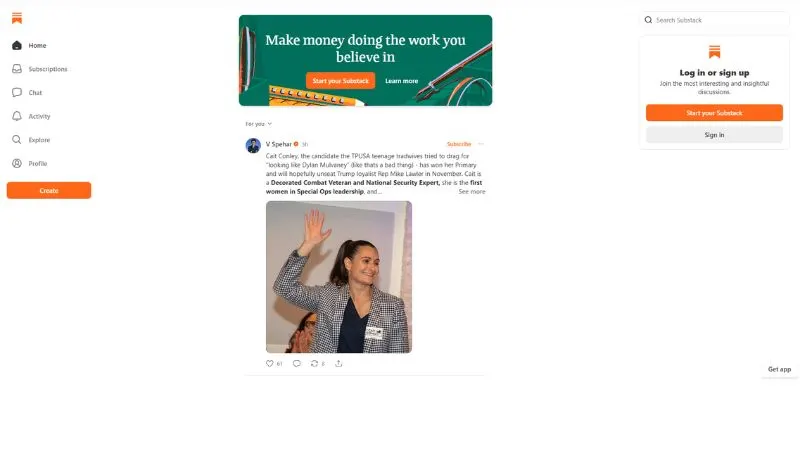
Substack took off for one reason: it made starting a paid newsletter dead simple.
You sign up, you write, you publish. No hosting decisions. No plugins. No setup headaches.
The platform handles payments, email delivery, and even recommends your newsletter to readers who might like it. For writers who just want to write, that zero-friction start is the whole appeal.
What Substack does well:
- Zero cost to start, ever
- Built-in paid subscription system
- Reader discovery and recommendations are built into the platform
- Good enough as a side platform alongside your main blog
Where it falls short:
- Substack takes 10% of every dollar you earn. At $5,000/month in subscriber revenue, that’s $500 going to Substack every single month. Ghost at $29/month looks very different at that scale.
- SEO is limited. Posts can rank on Google, but you have almost no technical optimization control.
- No categories, no archive navigation, no traditional blog structure.
Who should use it: Writers who want to focus purely on writing and don’t care about SEO or design. Also works well as a secondary platform to grow an email list from scratch.
4. Medium: Best for Reaching a Built-In Audience Fast
Medium is one of the most misunderstood platforms in blogging.
People treat it like a replacement for having your own site. It’s not. But as a distribution channel, it’s actually powerful.
Medium has millions of active readers browsing for content every day. A strong piece that gets curated or published in a popular publication can get you thousands of readers without any SEO effort on your end.
What Medium does well:
- Zero setup. Write and publish in minutes.
- Built-in audience actively looking for content on your topics.
- Clean reading experience that makes your writing look good.The
- Medium Partner Program pays based on reading time.
Where it falls short:
- You don’t own the platform. Medium has changed its monetization rules multiple times with almost no warning.
- Affiliate links are allowed but restricted. You can’t freely run ads.
- SEO control is close to zero.
Best use case in 2026: Cross-posting your strongest pieces from your main WordPress blog. Don’t make it your primary home. It’s a traffic channel, not a foundation.
5. Wix: Best for Beginners Who Want Visual Control
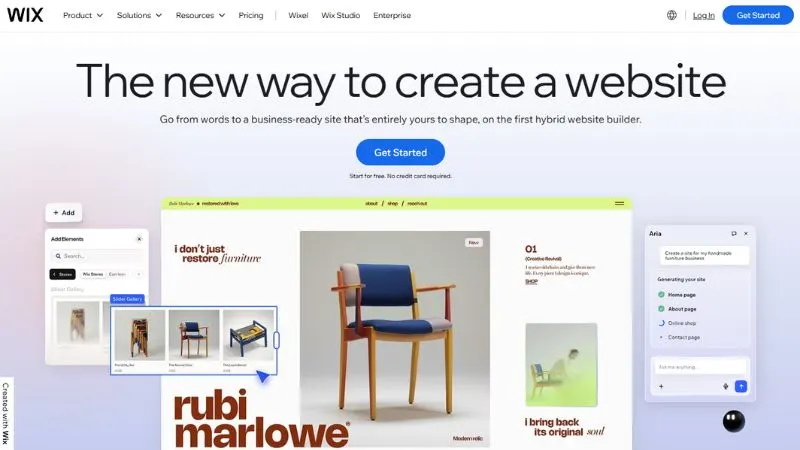
Wix is the easiest drag-and-drop website builder with solid blogging built in.
If you’re a beginner who’s intimidated by WordPress and wants something working fast, Wix is legitimate. The editor is visual, intuitive, and doesn’t require any technical knowledge. You can build a decent-looking blog in a few hours.
In 2026, Wix has also upgraded its AI tools significantly with Wix Harmony, which helps with SEO, design layout, and even writing product descriptions. It’s now one of the better AI-assisted builders available.
What Wix does well:
- Drag-and-drop editor that anyone can learn quickly
- 2,000+ templates, many built for blogs
- Solid built-in SEO tools: meta tags, sitemaps, 301 redirects
- Free plan available (with Wix ads and a Wix subdomain)
Where it falls short:
- Once you choose a template, switching means rebuilding
- Paid plans start at $17/month and climb fast: Core is $29/month for real features
- Closed ecosystem. Migrating out of Wix later means rebuilding from scratch
- SEO ceiling is lower than WordPress
Who should use it: Hobby bloggers, small business owners who need a blog as part of their website, or complete beginners who prioritize ease over depth.
6. WordPress.com: Best Managed WordPress Experience
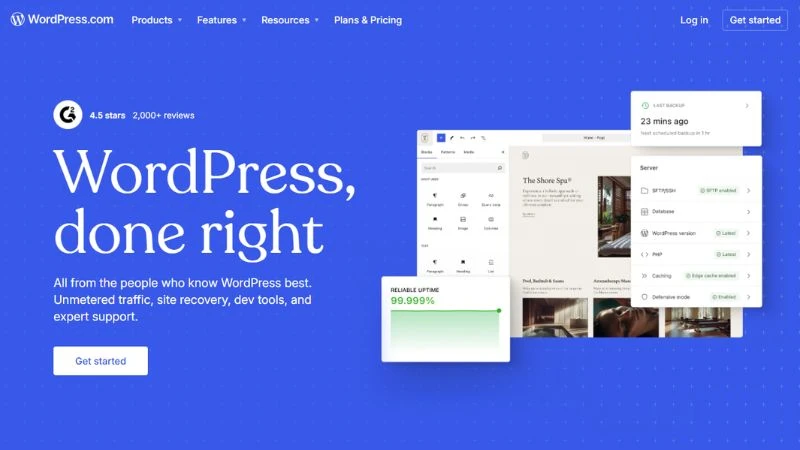
WordPress.com is the hosted version of WordPress. Same name, different product.
You get the WordPress interface without managing your own hosting, updates, or security. It’s a real middle ground between the full control of WordPress.org and the simplicity of Wix.
The plan breakdown for 2026:
- Free: WordPress.com subdomain, WordPress ads on your site, limited features
- Personal: $4/month, custom domain, no ads
- Premium: $8/month, more customization
- Business: $25/month, plugin support kicks in here
- Commerce: $45/month, full e-commerce
The free and personal plans have meaningful restrictions. If you want plugins (which you need for real SEO control), you’re on the $25/month Business plan.
Who should use it: Bloggers who want the WordPress experience but genuinely don’t want to deal with hosting management. If you’re okay with the $25/month Business tier, it’s a solid choice.
7. Blogger: Best Truly Free Blogging Platform
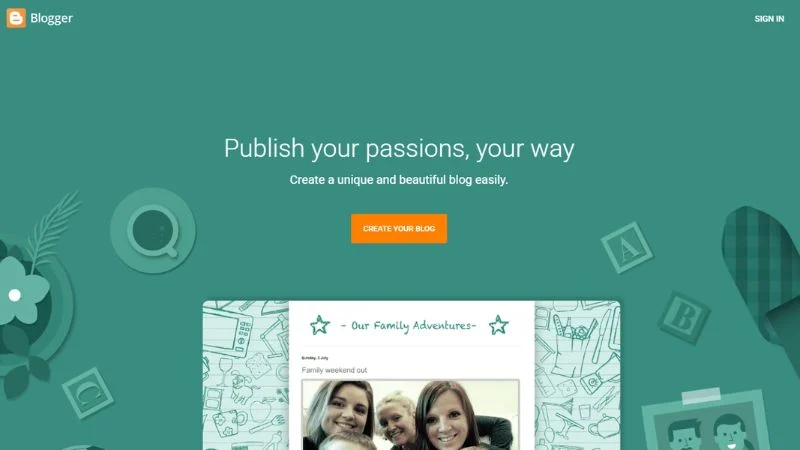
Blogger has been around since 1999. Google owns it. And it’s completely free with no expiration date.
For someone who wants to start blogging with zero budget, Blogger still works. You get hosting, a subdomain (yoursite.blogspot.com), and basic customization at absolutely no cost. No trial. No upgrade pressure. Free forever.
The honest reality: Blogger is dated. Google stopped actively developing it years ago. The themes are old, the SEO options are basic, and there’s no real plugin ecosystem.
But if your goal is to just write, practice, and get comfortable before committing to paid hosting? Blogger is a completely valid starting point. Just don’t build your long-term brand there.
8. Squarespace: Best for Portfolio Plus Blog Combos
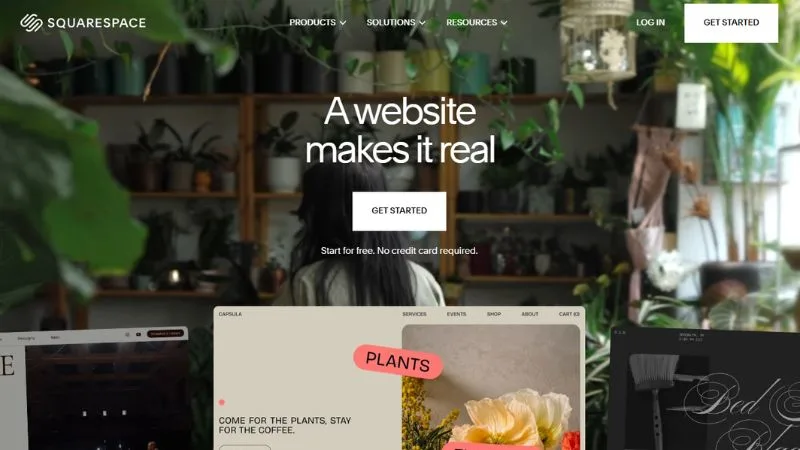
Squarespace makes beautiful websites. That’s genuinely its strongest point.
If design matters a lot to you and you want a polished blog without hiring a designer, Squarespace delivers consistently. It’s especially popular with photographers, designers, and creative professionals who want a portfolio site with a blog section attached.
What Squarespace does well:
- ~180 templates, fewer than Wix but more consistently polished
- Built-in SEO tools available from the Basic plan
- Strong e-commerce if you sell products alongside your blog
- All-in-one pricing, no separate hosting bill
What’s changed in 2026: Squarespace added AI-powered SEO tools and a Brand Identity feature that generates content in your brand’s tone across plans.
Where it falls short:
- Starts at $16/month but no free plan, only a 14-day trial
- Smaller app ecosystem than Wix
- Transaction fees on lower plans if you sell anything
Who should use it: Creatives, photographers, and designers who want their blog to look premium without deep technical involvement.
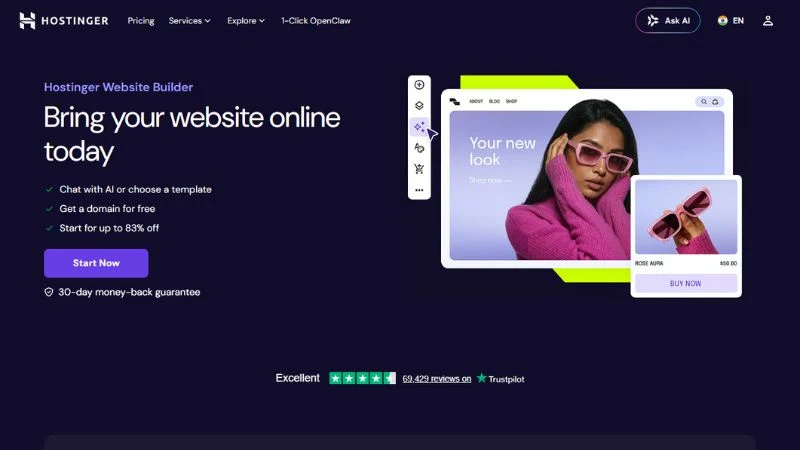
9. Hostinger Website Builder: Best Budget All-in-One
Hostinger is known as a hosting company, but their website builder has gotten genuinely good in 2026.
For an all-in-one solution at the lowest possible price, Hostinger’s builder with hosting starts under $3/month. You get a drag-and-drop editor, AI-assisted setup, and Hostinger’s fast server infrastructure. If you’ve already picked Hostinger for hosting your WordPress site, the builder is a natural bonus tool.
It’s not as feature-rich as Wix or Squarespace, but for the price, it’s hard to argue against.
10. Weebly: Best Simple Small Business Blog
Weebly is simple, affordable, and has a free plan. It’s owned by Square, so payment and e-commerce integration is smooth if you’re selling anything.
For a small local business that needs a basic blog alongside its website, Weebly gets the job done without a steep learning curve. SEO options are basic but functional. It won’t compete with WordPress for serious blogging, but for a local restaurant or service business that just needs a blog, it does the job.

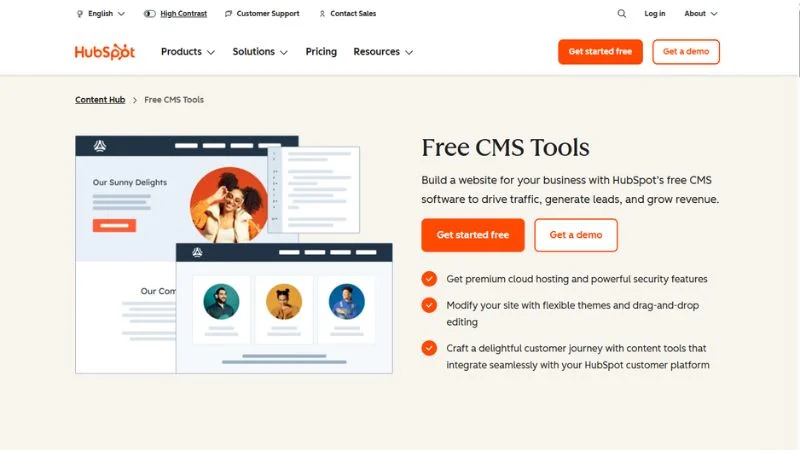
11. HubSpot CMS: Best for B2B Marketing Blogs
HubSpot CMS is in a completely different category from everything else on this list.
It’s built for marketing teams, not individual bloggers. It integrates natively with HubSpot’s CRM, email marketing, landing pages, and analytics. If you’re running a B2B company and want your blog to feed directly into your sales funnel with full attribution data, HubSpot CMS is genuinely powerful.
The free tier is surprisingly capable for getting started. Paid tiers are expensive, but for businesses where a single blog-driven lead is worth thousands of dollars, the math works out.
Which Blogging Platform Should You Actually Pick?
Here’s the no-fluff decision guide:
If you’re a complete beginner with zero budget: Start with Blogger or WordPress.com’s free plan. Get comfortable writing first. Once you’re consistent, move to WordPress.org with paid hosting. Do it before you need to.
If you want to make money from blogging: WordPress.org. No other platform gives you the full monetization freedom and technical SEO control you need to build a profitable blog long-term.
If you’re a writer who hates anything technical: Ghost or Substack. Both let you focus on writing. If you plan to earn from subscribers, Ghost becomes the better deal, around $700/month in revenue, because of the 0% transaction fee.
If you run a business and need a marketing blog: WordPress.org for most small businesses. HubSpot CMS if you’re B2B with a bigger budget and a sales team to justify it.
If SEO is your main goal: WordPress.org with Rank Math or Yoast. Nothing on this list comes close to technical SEO control.
If you want something that looks great without much effort: Squarespace is for design-first creatives. Wix for everyone else who wants drag-and-drop simplicity.
Common Mistakes to Avoid When Choosing a Blogging Platform
1. Starting on a free platform, you’ll outgrow. Free blogging platforms feel fine until the day you want to monetize, use your own domain, or take SEO seriously. Migration is painful, and you often lose rankings. Start on the right platform from the beginning if you’re building anything real.
2. Confusing WordPress.com with WordPress.org. These are different products from different companies. WordPress.org is self-hosted and gives you full control over everything. WordPress.com is a managed service with restrictions that vary by plan. Most serious bloggers who say “use WordPress” mean WordPress.org.
3. Choosing based on the interface alone. A clean dashboard doesn’t equal good SEO, good monetization, or real content ownership. Judge a platform by what it lets you do in year three, not what it looks like on day one.
4. Ignoring who actually owns your content. On Medium and Substack, you’re a tenant. If they change their terms, reduce your visibility, or shut down a feature, you’re affected immediately. Always build an email list you own, no matter which platform you use.
5. Not thinking about your exit. Before you commit to any platform, ask: Can I export my posts as clean HTML or XML? Can I redirect my old URLs if I move? On WordPress.org, yes to both. On Wix, exporting is nearly impossible. On some platforms, it’s complicated. Know before you’re stuck.
Frequently Asked Questions
What is the best blogging platform for beginners in 2026?
WordPress.org is the best long-term choice, even for beginners. Pair it with beginner-friendly hosting like Hostinger or SiteGround and a simple theme. If the setup feels overwhelming on day one, Wix is a reasonable starting point. Just know you’ll likely want to migrate to WordPress eventually.
What is the best free blogging platform?
Blogger is the most generous, completely free blogging platform. No forced upgrade, no time limits, no ads on your readers unless you add them yourself. Substack is the best free option if you also want to build an email list and eventually charge for content.
Is WordPress free to use?
WordPress.org software is free to download and install. But you need hosting, which runs $3-10/month depending on the provider. WordPress.com has a free plan, but it gives you a WordPress.com subdomain and limited features. The plans with real features start at $4/month (Personal) up to $25/month (Business, where plugin support kicks in).
Which blogging platform is best for making money?
WordPress.org. You can run Google AdSense, use affiliate links freely, sell digital products, accept sponsored posts, and build a membership site, all without platform restrictions or revenue cuts. No other platform on this list gives you that combination.
What’s the difference between WordPress.com and WordPress.org?
WordPress.org is the self-hosted version. You install it on your own hosting server and own everything. WordPress.com is a managed hosting service run by Automattic. It’s easier to start, but plans restrict plugins and monetization until you pay for higher tiers.
Which blogging platform is best for SEO in 2026?
WordPress.org. With Rank Math or Yoast SEO, you get full control over meta tags, structured data, XML sitemaps, canonical URLs, redirects, and site speed. No other platform on this list gives you that level of technical SEO access.
Can I switch blogging platforms later?
Yes, but it’s not painless. Moving from most platforms to WordPress.org is doable, but you risk losing backlinks and rankings if 301 redirects aren’t set up properly. It’s a much better use of your time to start on the right platform than to migrate later.
Is Medium good for blogging in 2026?
Medium is useful for reaching new readers quickly, but it’s not a home for your blog. You don’t own your SEO, you can’t fully control monetization, and Medium has changed its rules on writers multiple times. Use it to cross-post from your main site. Don’t build on it as a foundation.
Is Ghost worth the price in 2026?
For writers earning from subscriptions, yes. Ghost Pro starts at $18/month and takes 0% of your subscriber revenue. Substack is free to start, but takes 10% of every payment. Once you’re earning $700+ per month from paid subscribers, Ghost is actually cheaper. Below that threshold, Substack makes more sense.
Conclusion
The best blogging platform depends on what you’re trying to achieve.
For most people, WordPress.org is still the best choice in 2026. It gives you full control, the strongest SEO capabilities, and the freedom to monetize however you want.
If you’re focused on newsletters and paid memberships, Ghost is the strongest alternative. If you want a simple, beginner-friendly experience, Wix and Squarespace are solid options. And if you just want to start writing for free, Blogger and Substack can work, as long as you have a plan to move later.
My advice is simple. Think beyond the first month.
Choose a platform that can still support your blog two or three years from now. And no matter which one you pick, start building an email list from day one. Platforms change. Your audience doesn’t.